
How to Fix Google Antigravity Login Failures: 403, Risk Checks & OAuth Loops (2026)
Google Antigravity is Google's advanced AI development platform integrating Gemini 4 series models (Carbon, Neon, and Hydrogen) for autonomous agent orchestration and full-codebase generation. During sign-in, Antigravity triggers your system browser to perform Google OAuth 2.0 PKCE authentication, which then redirects the auth token back to a local loopback port on your machine.
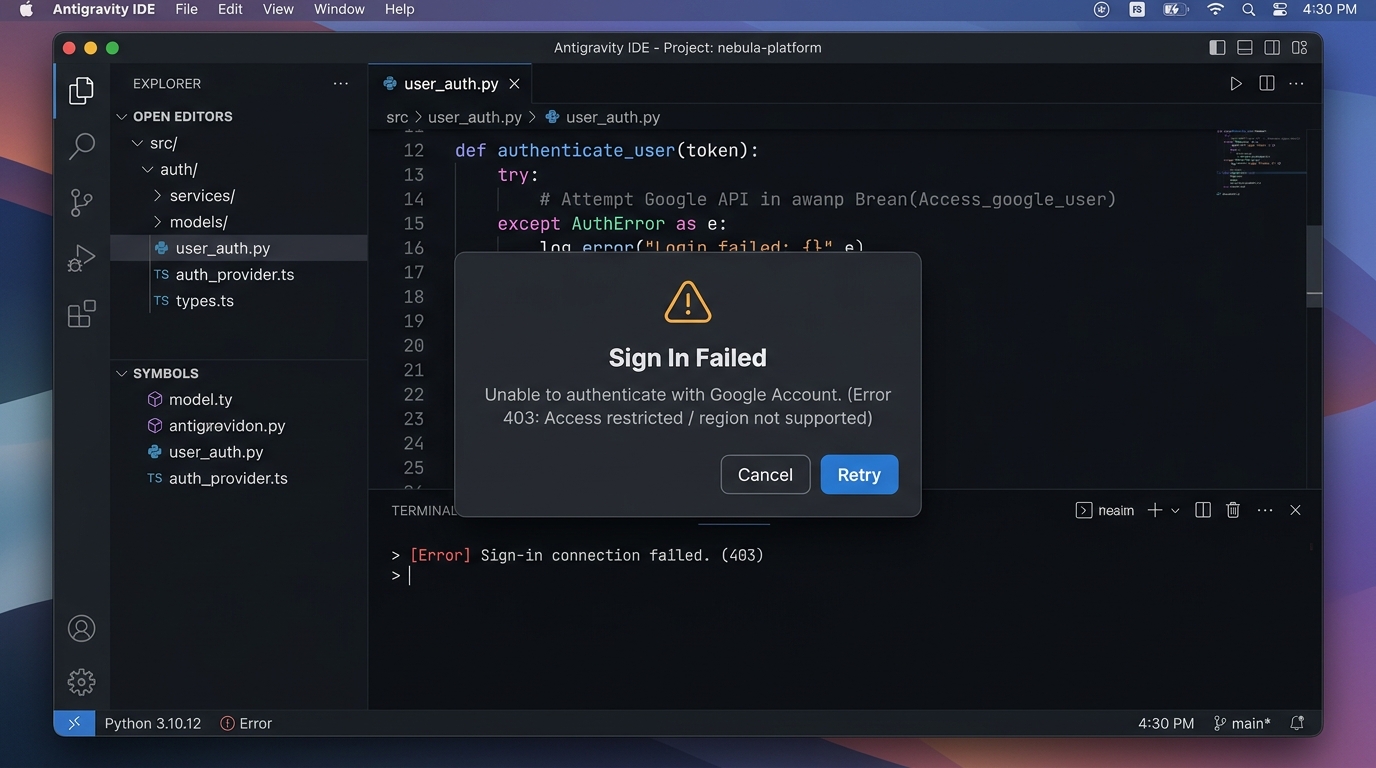
When network routing or security settings are misconfigured, sign-in failures typically fall into four categories:
- Split IP routing: The browser and the client backend use different outbound IPs, triggering Google's automated account security flags.
- OAuth loop: The browser confirms authorization, but the Antigravity desktop client never receives the local callback and stays on the login screen.
- 2FA SMS blocked: Cross-border SMS verification fails to deliver the code.
- 403 Forbidden: IP blacklist, account age restrictions, or Workspace tenant policies block access.
📌 Note: The
agyCLI does not provide alogoutsubcommand. Follow the steps below in order: outbound network, local loopback, 2FA alternatives, account eligibility, and session cache resets.
Contents
- The Antigravity OAuth Flow
- Network Troubleshooting: Unify Outbound IPs
- Fix Infinite Loops: Check Local Callbacks
- Missing SMS Codes: Switch to Authenticator or Backup Codes
- 403 Forbidden & Account Restrictions
- Clear Local Auth Cache & Reset
- Common Misconceptions
- FAQ
- Related Tutorials
The Antigravity OAuth Flow
To diagnose where the process fails, understand the authorization sequence:
[Antigravity Desktop Client]
       │ 1. Spawns a local loopback listener (e.g., http://127.0.0.1:42135/callback)
       ▼
[System Default Browser]
       │ 2. Opens official Google Accounts sign-in & consent screen
       ▼
[Google Auth Servers]
       │ 3. User logs in, environment risk evaluated, identity confirmed
       ▼
[Browser HTTP 302 Redirect]
       │ 4. Redirects with authorization code to http://127.0.0.1:42135/callback
       ▼
[Antigravity Desktop Client]
│ 5. Local process captures callback, exchanges code for Access Token, signs in- Security / Risk blocks occur at Step 3: Google's servers detect anomalous login environments.
- Infinite loops occur between Steps 4 and 5: Browser redirects are intercepted or blocked before reaching localhost.
- 2FA blocks occur at Step 3: Google demands second-factor identity confirmation.
Network Troubleshooting: Unify Outbound IPs
1. Enable TUN Mode (Virtual Network Adapter)
In basic system proxy mode (or PAC rule-based mode):
- Standard web traffic from Chrome goes through the proxy node.
- Background Node.js / Go worker processes spawned by Antigravity may bypass the system proxy and communicate directly over your physical network interface.
When Google receives API requests where the client's IP differs from the browser's authorization IP, it flags the session as suspicious and throws 403 or forces re-authentication.
Solution:
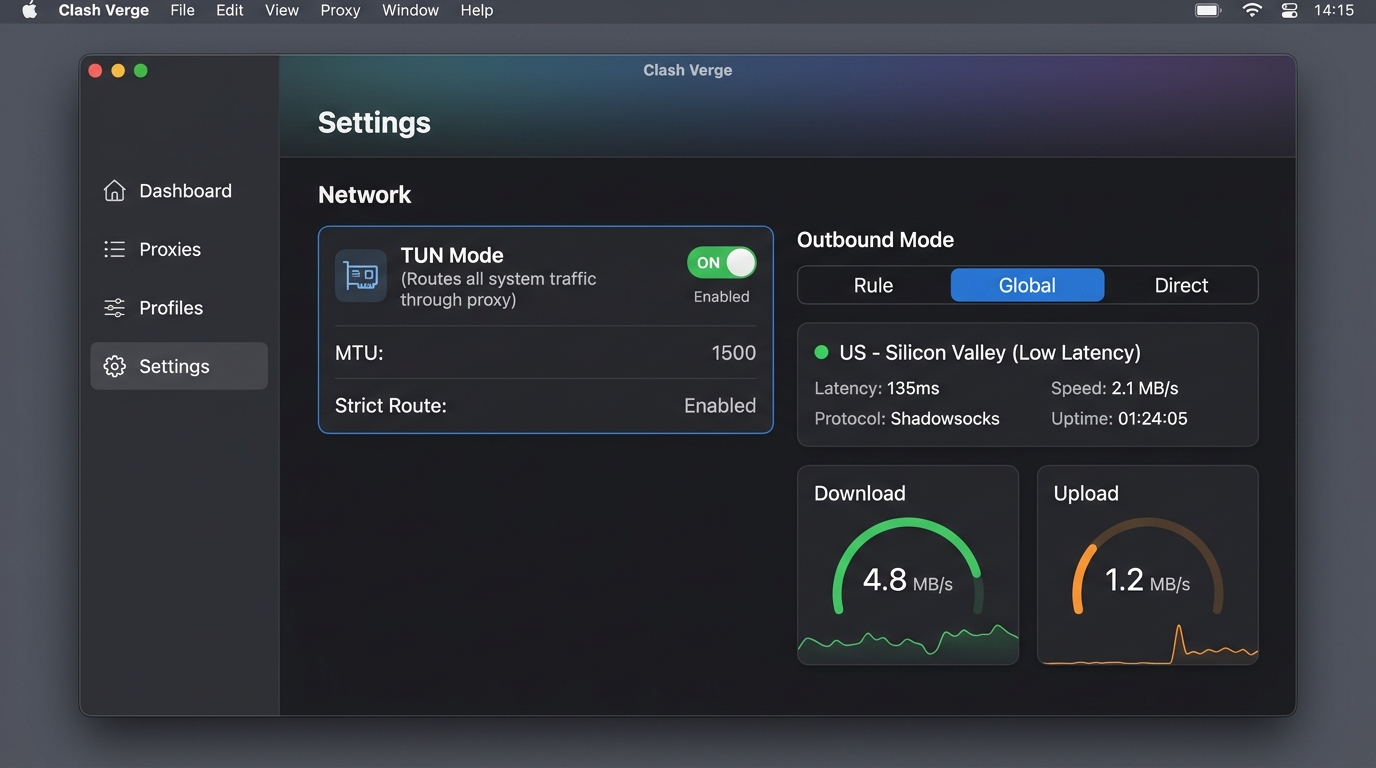
- Enable TUN Mode (Enhanced/Virtual Network Interface) in your proxy software, and set routing to Global.
- TUN mode intercepts all TCP/UDP traffic at the OS kernel layer, ensuring the browser, the Antigravity UI, and background processes share the exact same outbound IP.
2. Avoid Shared Datacenter IPs
- Low-cost, shared VPN nodes are frequently blacklisted due to scraping or abusive traffic.
- Prefer clean residential (ISP) or dedicated private nodes, and keep your node region stable rather than switching countries constantly.
Fix Infinite Loops: Check Local Callbacks
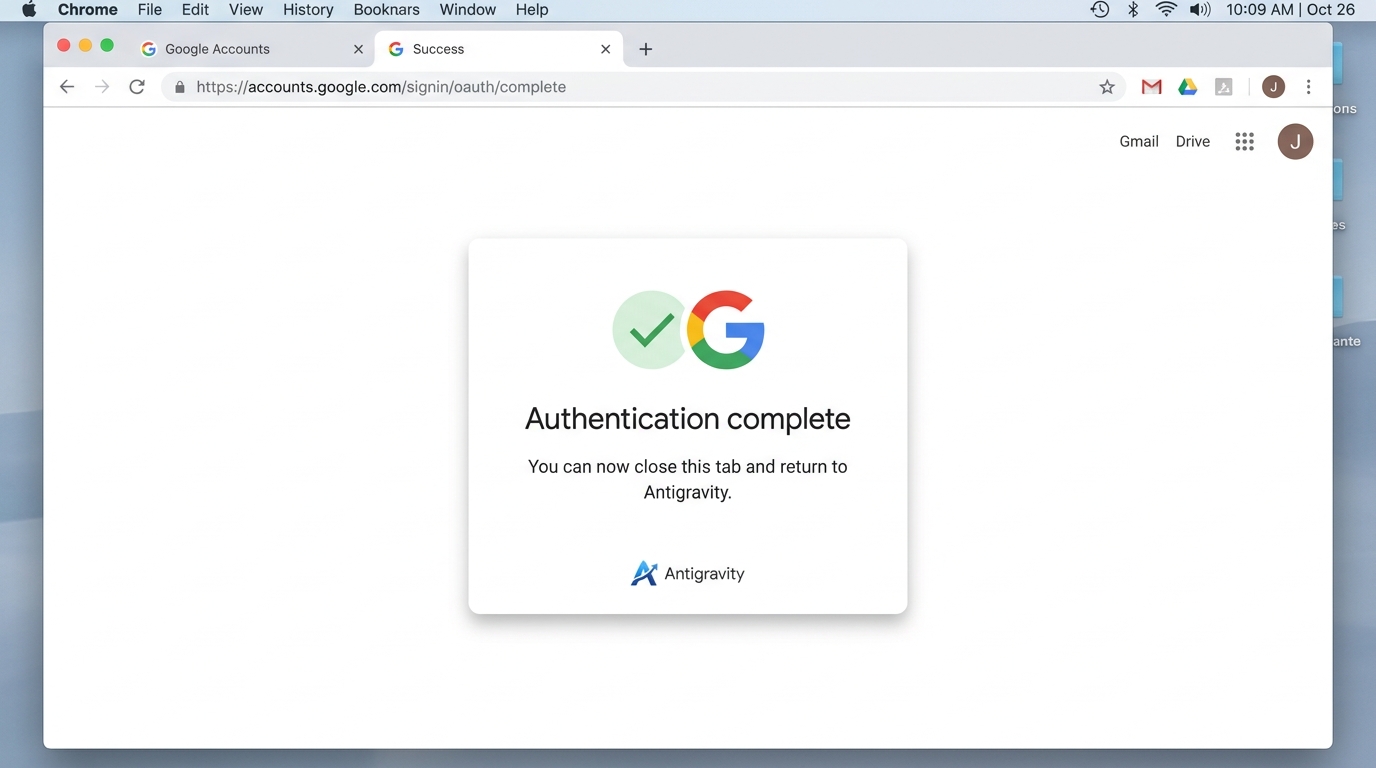
Symptom: Your browser displays "Authorization successful, you can now return to the application," but Antigravity remains on the sign-in button screen.
This indicates Step 4 (redirect to 127.0.0.1) failed:
1. Set Google Chrome as Default Browser
Certain browsers or hardened privacy forks block redirects from public HTTPS domains to local loopback addresses (http://127.0.0.1). Set Google Chrome as your system default browser and temporarily disable extensions that block cross-origin redirects.
2. Check Localhost Firewall Rules
Third-party endpoint security software or enterprise firewalls may flag Antigravity's dynamic port listening as suspicious. Temporarily whitelist Antigravity or pause conflicting software to test.
Missing SMS Codes: Switch to Authenticator or Backup Codes
If SMS codes are delayed or filtered by carriers, configure non-SMS second factors:
Option A: Google Authenticator (TOTP)
- Open Google Account Security in your desktop browser.
- Under "How you sign in to Google," select 2-Step Verification.
- Add Google Authenticator (or 1Password, Bitwarden, Microsoft Authenticator).
- When prompted during Antigravity sign-in, click "Try another way" and enter the 6-digit TOTP code.
Option B: 8-Digit Backup Codes
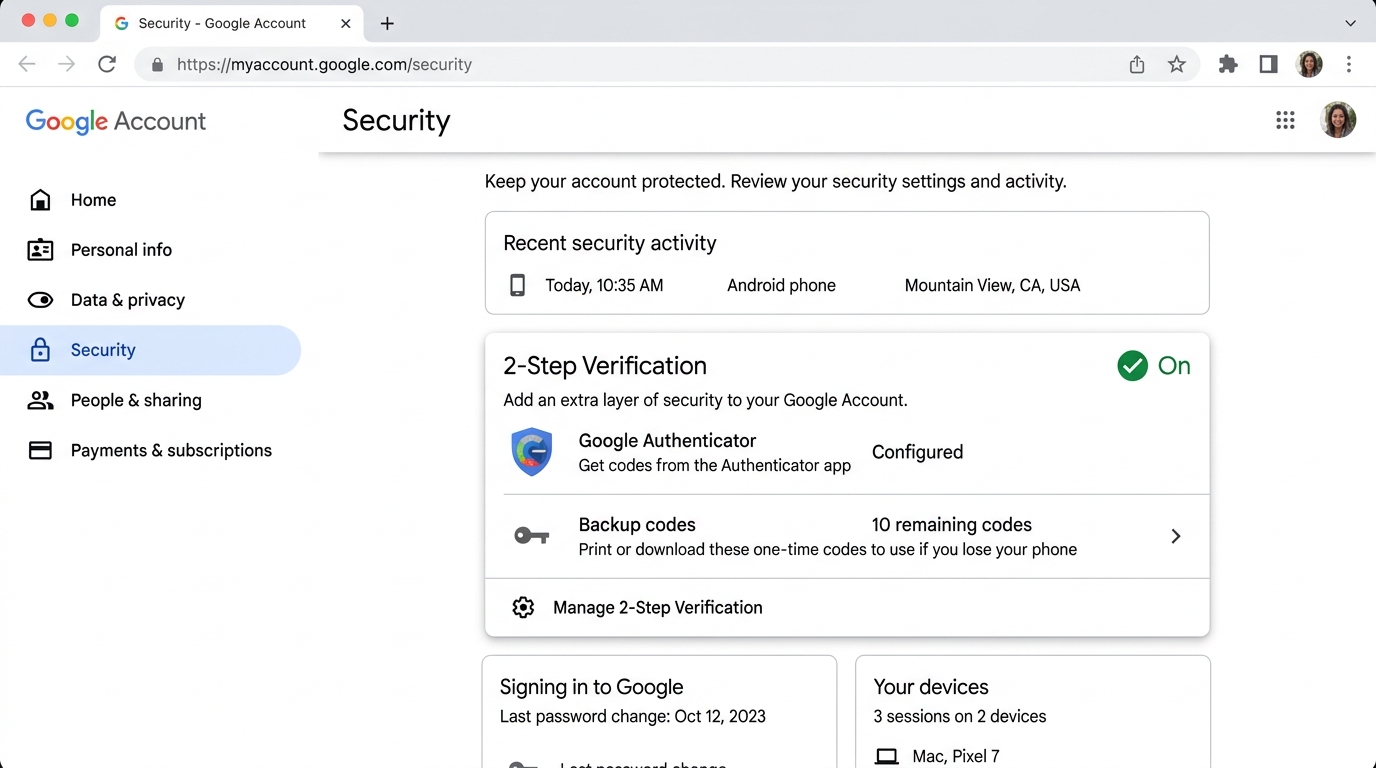
- On the 2-Step Verification page, scroll down to Backup codes.
- Generate 10 single-use 8-digit emergency codes.
- Save or print them. Each code can be entered once in place of SMS.
403 Forbidden & Account Restrictions
| Error / Symptom | Root Cause | Solution |
|---|---|---|
| Account type not supported | Using a company/school Google Workspace tenant where administrators restrict third-party developer AI tools | Switch to a personal @gmail.com account |
| Age restriction warning | Account profile indicates under 18 years of age | Verify and update your birth date in Google Profile settings |
| 403 Forbidden | Node IP is on Google's high-risk blocklist | Switch to a clean, dedicated residential node |
Clear Local Auth Cache & Reset
If credentials become corrupted, the client will continuously fail with stale tokens. Since the agy CLI has no logout command, clean the session manually:
1. Remove Cache Directories
- Windows: Delete session directories under:text
%APPDATA%\antigravity\ %USERPROFILE%\.gemini\antigravity\ - macOS:bash
rm -rf ~/Library/Application\ Support/antigravity/
rm -rf ~/.gemini/antigravity/
2. Reset via Editor Command Palette
- Press
Ctrl + Shift + P(orCmd + Shift + Pon macOS). - Type
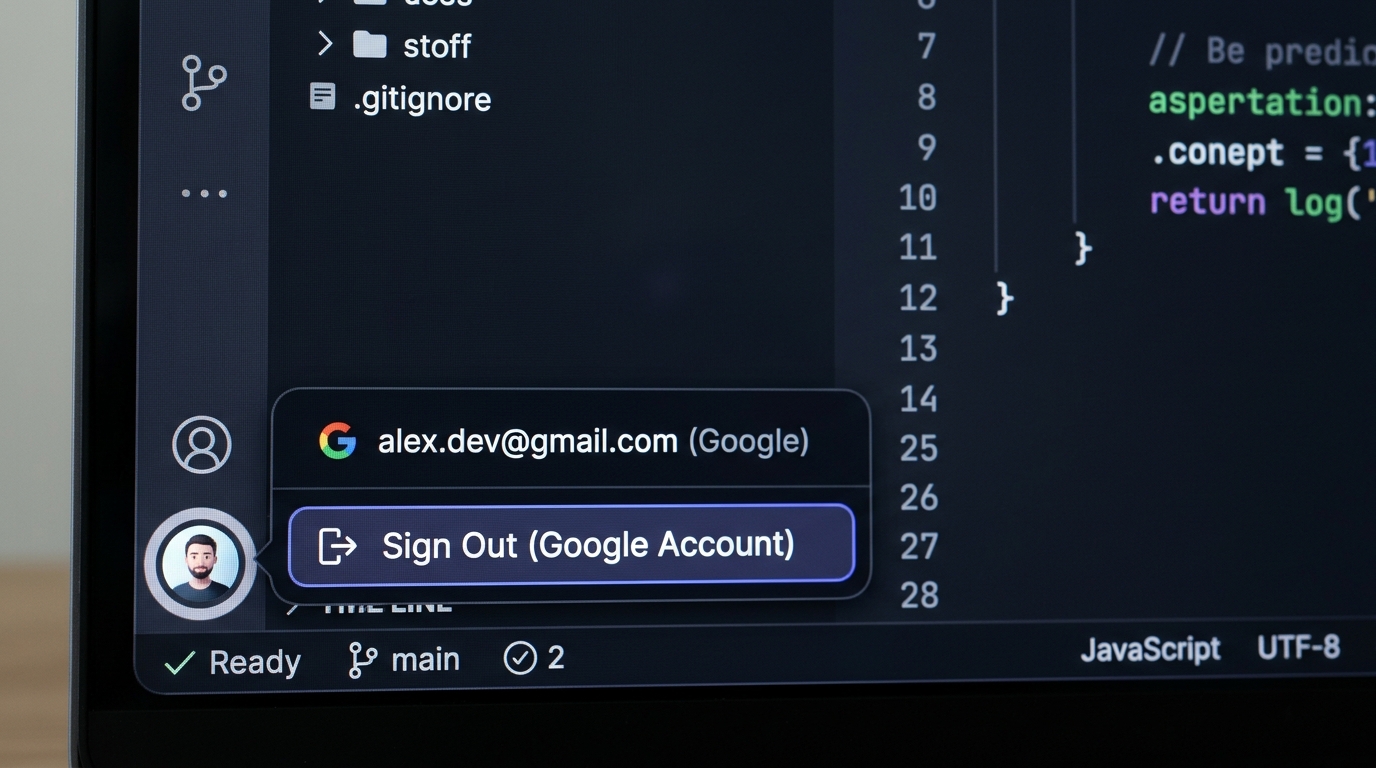
Sign Outor click the Accounts icon in the bottom-left corner. - Sign out of the unverified account, restart Antigravity, and initiate sign-in again.
Common Misconceptions
- "Running
agy logoutin terminal clears the session"
The Antigravity CLI (agy) provides commands likeinstall,plugin,update, but does not have aloginorlogoutsubcommand. - "Subscribing to Gemini Ultra will bypass Antigravity's login risk checks"
Antigravity is available to standard Gmail accounts. Risk checks are performed at Google's infrastructure level, independent of your subscription tier. A paid Ultra account on a flagged network will still be intercepted.
FAQ
Why is Antigravity stuck in an infinite sign-in loop after clicking authorize in the browser?
What should I do if I cannot receive the Google 2FA SMS verification code?
Why does Antigravity still return 403 Forbidden or region unsupported even when using a proxy?
Related Tutorials
- How to Subscribe to Gemini Ultra — Price, tiers (5x vs 20x), and Carbon benefits
- How to Use Gemini in China — Google account registration, web and app access
- Gemini Membership Plans — Google AI Pro / Ultra comparison
- Gemini Top-Up Service — Instant card top-up, Alipay and WeChat Pay support